
How NextScenes Works

NextScenes builds stories step by step with leadership, rules, and recorded decisions. The goal is simple: no chaos, no silent rewrites, no hidden manipulation. Just a visible creative process that respects authorship and welcomes meaningful collaboration.
Quick orientation: Story Hub creates stories. WriterStudio develops stories.
Public Site vs App Site
Public Site
The public site is for learning and exploring. It explains what NextScenes is and how it works.
- Explore and understand
- Read about writing modes
- Find help and contact
App Site
The app site is where writing begins. This is your personal writing space.
- Create storylines in Story Hub
- Develop your story in WriterStudio
- Write alone or collaborate
Start here
If you want to write now, enter the app. If you need guidance first, continue reading this page.
The Two Main Places
Story Hub

Create your story. Story Hub is where stories are born. Create a storyline, set the title and description, and choose a writing mode.
Story Hub creates.
WriterStudio

Develop your story. WriterStudio is where your work grows. Write scenes, build momentum, and shape your book over time.
WriterStudio develops.
What you can write
You can write novels, textbooks, movie scripts, music, and community projects. NextScenes supports serious writing in a structured way.
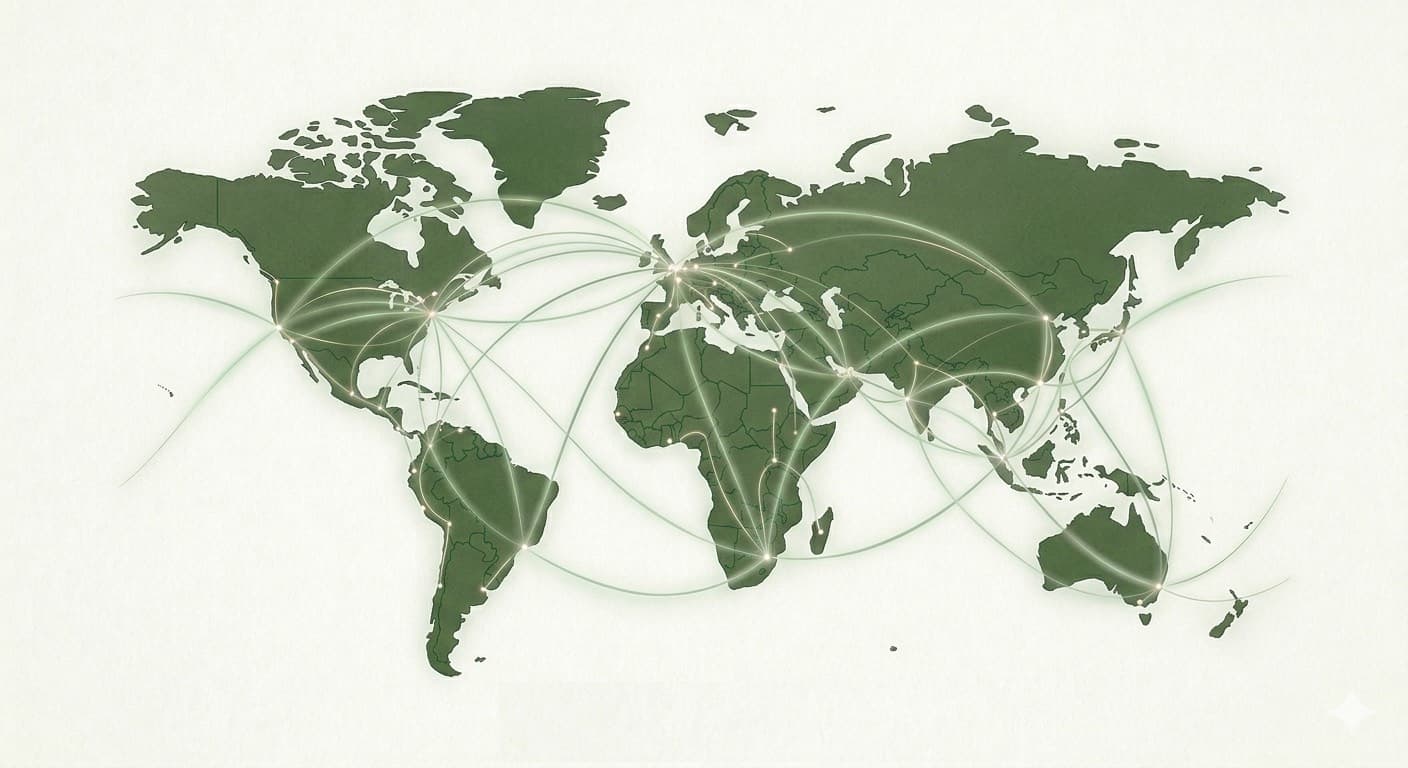
Contributors can join from anywhere in the world with internet access.
The Simple Path
🌐 1. Visit the Public Site
Explore NextScenes on the public website. When you are ready to write, click “Enter the App.”
👤 2. Create Your Account
Sign up with your name, email, and password. Your personal writing space is created.
📚 3. Create Your Story in Story Hub
Go to Story Hub and click “Create Storyline.” Add a title, description, and choose a writing mode.
✍️ 4. Develop Your Story in WriterStudio
Open your storyline, go to WriterStudio, write your scenes, and save your work.
🌍 5. Collaborate from Anywhere
Contributors can participate from any city or country, as long as they have internet access.
💾 6. Your Work Stays Saved
Return anytime to continue. Your stories remain safely stored in your account.
The Main Roles
Story Owner (Main Writer)
Creates the storyline, sets direction and tone, and protects continuity. The story owner writes canon scenes or selects the next canon from proposals, and keeps the book coherent.
- Creates the storyline
- Sets direction and tone
- Writes canon or selects canon
- Opens and closes proposal rounds
- Protects story integrity
Writers and Contributors
Help the story grow by proposing scenes, discussing options, and offering feedback without rewriting the official book directly.
- Propose scenes
- Discuss and comment
- Vote or review where enabled
- Do not directly change canon
Readers
Follow the story, watch how decisions are made, and participate through comments. Some storylines may allow reader proposals.
- Read and follow stories
- Comment and discuss
- See decisions and notes
- May propose in some modes
Admins and Moderators
Protect the community by enforcing rules, handling abuse, and intervening when needed to keep the platform safe and fair.
- Enforce safety and values
- Support healthy communities
- Intervene when necessary
- Maintain platform rules
The Story Lifecycle
1. Create a Storyline
Start a book by choosing a forum, setting a title, and publishing the opening canon scene (or the opening setup).
2. Write Solo or Open Proposals
Continue alone or invite contributions. The story owner decides when collaboration is useful.
3. Proposal Round
Contributors submit scene proposals. Discussion happens in public view, and voting may be enabled depending on the mode.
4. Decision Note
One scene becomes the next canon (selected or written by the story owner). A short Decision Note explains why.
5. Repeat and Grow
Canon expands step by step. Proposals open when needed. The process stays deliberate, readable, and accountable.
Canon vs Proposals
Canon Scenes
The official book. Canon is what readers come to trust.
- Official story
- Not editable by contributors
- Forms the book
Proposal Scenes
Suggestions that help the writer choose wisely and stay accountable. Proposals are preserved for learning and transparency.
- Ideas and alternatives
- Not part of the book unless approved
- Preserved for learning and transparency
Writing Modes
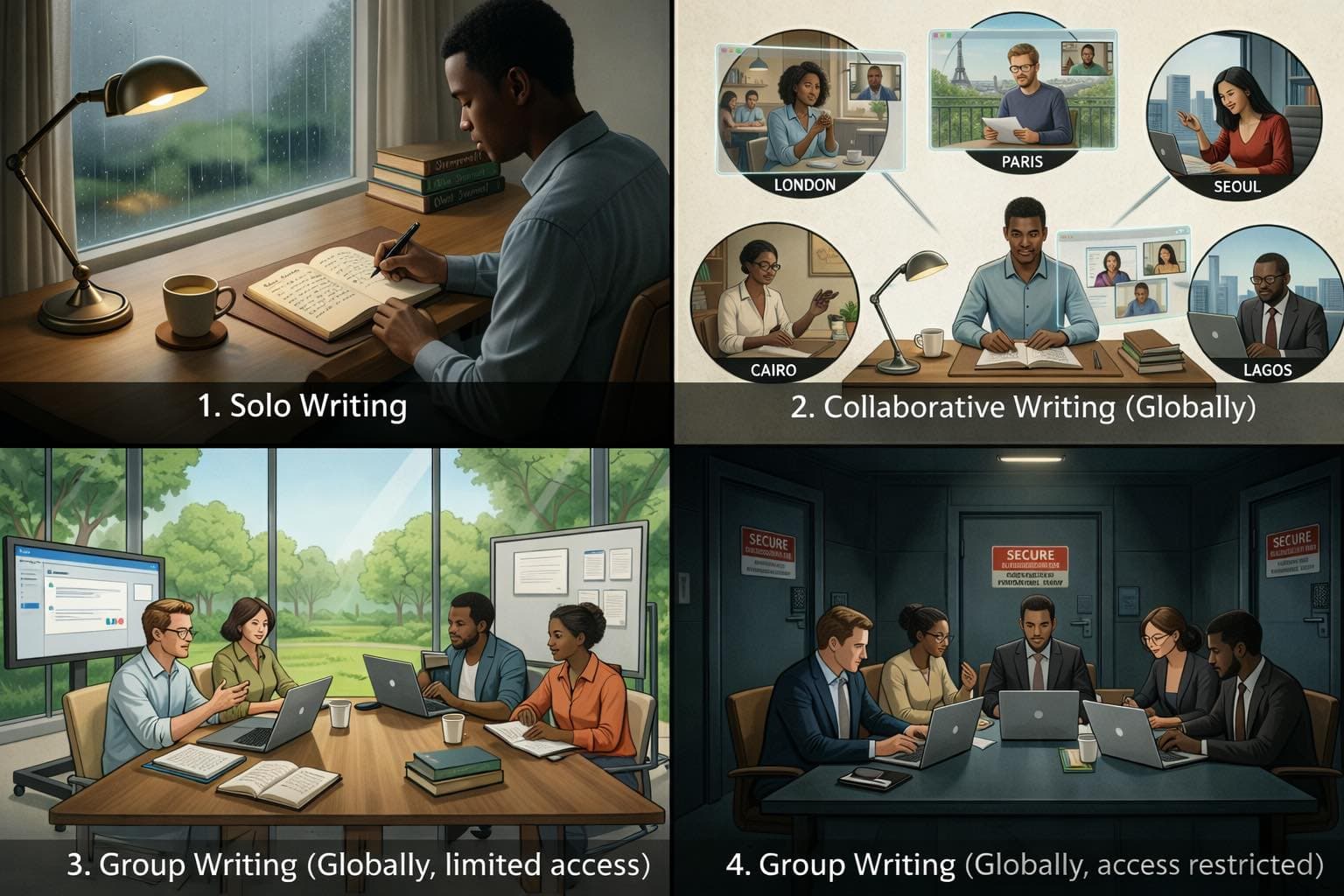
Solo Writing
One writer writes the full story. Readers can follow and comment.
Collaborative Writing
One writer leads. Contributors can propose scenes from anywhere in the world. The writer decides what becomes canon.
Group Writing (Open)
A community writes together inside a shared structure and clear rules.
Group Writing (Closed)
A private invited group writes together, useful for classrooms, clubs, and private circles.
Comments and Activity
Discussion, Not Rewrite
Comments exist to discuss scenes, ask questions, and offer feedback. They do not rewrite canon. Moderation rules apply so debate stays human.
Discovery That Keeps Communities Alive
Recent activity and trending storylines help readers find living work and help writers gather attention where it matters.
Decision History
NextScenes preserves what was proposed, what became canon, and the Decision Note explaining why. That record protects fairness, learning, and trust.
Why the Structure Matters
Coherence and continuity
A story is not a comment thread. Structure protects continuity and keeps the book readable from beginning to end.
Fairness and accountability
When decisions are visible, collaboration stays honest. People can learn from the record instead of arguing in circles.
Safety and discipline
Clear rules reduce sabotage, reward craft, and help communities stay respectful even when opinions differ.
Need Help?
Contact NextScenes
If you have questions, need guidance, or want to report an issue, contact us anytime.
- Use the Contact page on the public site
- Explain what you tried and what you expected
- We will respond as soon as possible